Norsk
It's 07:40, and the bathroom ceiling is dripping. She searches for 'rørlegger Tromsø' (plumber Tromsø) on her phone, taps the second result and stares at a white screen.
Three seconds later she's back in the search results. She rings number three.
The plumber with the white screen never finds out that he lost a job. His website wasn't down. It was slow, and most of the wait went on things that happened before a single image was on its way.
What happens while the screen is white
When someone opens a web page, it happens in three stages:
- The request travels from the phone to the server where the website lives.
- The server makes the page and sends it back.
- The browser fetches what the page needs: images, fonts and scripts.
Most advice about slow websites is about the third stage. Compress the images, remove plugins. That's good advice. But on an ordinary business website, it's often the first two stages that eat the time, and a smaller image doesn't help there.
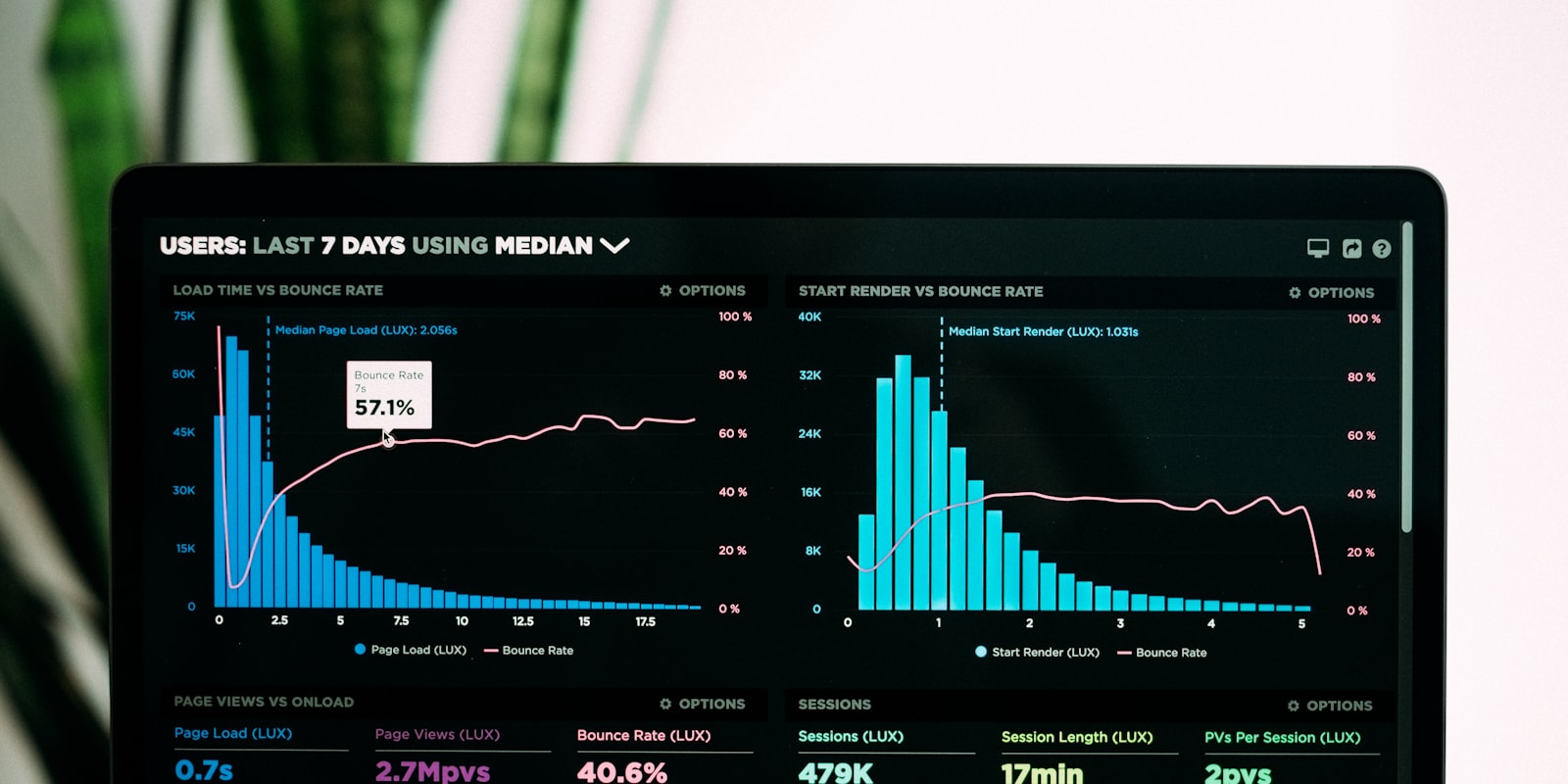
The time the first two stages take has a name: time to first byte, or TTFB. Google counts 0.8 seconds or less as good. If the server takes longer than that, the visitor has been waiting before anything at all has started to appear.
The page is rebuilt for every visitor
Few people know how this works. A typical WordPress site isn't stored finished anywhere. Every time someone opens it, the server starts a program that fetches the text from a database, puts it into a template, adds the menu and footer and sends the result.
Fifty visitors to the home page today means fifty identical home pages, built from scratch fifty times.
It works. It's slow, though, especially on cheap servers where your website shares computing power with hundreds of others. There are plugins that store a finished copy, known as a cache, but someone has to set them up. And they have to know when the copy is out of date. That's why so many websites are either slow or show last year's opening hours.
Distance counts too
Light in a fibre-optic cable travels about 200,000 kilometres a second. That sounds fast until you do the sums.
If the server is in the US, a round trip from Norway takes about a tenth of a second. A new page often needs three or four such trips before the first byte arrives: a lookup to find the server, a secure connection and then the request itself. By then the visitor has waited almost half a second on the journey alone, before the server has even started working.
Cheap hosting isn't always where you think it is. Ask your provider before you assume your website is hosted in Norway, and remember that hosting is the smallest item in what a website costs.
What a CDN does
Think of two bakeries. One bakes each loaf while the customer stands in the doorway. The other has fresh bread on the counter from seven o'clock and bakes a new tray when something sells out or the recipe changes.
A CDN, a content delivery network, is the bakery with the full counter. It's a network of data centres around the world, and each of them holds a finished copy of your website. Visitors get the page from the data centre nearest to them, and nobody builds it again.
That solves both problems at once. The page is finished, and it's close by.
The hard part isn't storing the copy. It's knowing when to throw it away. If you change your opening hours, the copy in every single data centre has to be replaced, or half the country sees the old ones. That's why many websites use a CDN only for images and let the pages themselves take the long way round.
What a CDN can't fix
We'll be honest here: a CDN doesn't make a heavy page light.
- Photos straight from the camera. A 6 MB phone photo weighs the same however close it sits. Online it rarely needs to be more than 300 KB.
- Scripts from other companies. Chat bubbles, ad pixels and booking systems each load from their own server, and you don't control how fast that is. Many of them also need consent, which we've written about in the post on cookie banners and privacy policies.
- Fonts from Google Fonts. One more trip to another server before the text can display properly.
A CDN takes care of the road to the visitor. Whatever you've put on the page still has to be delivered.
How to check your own site
Open PageSpeed Insights, paste in your address and choose mobile. The mobile figure is the one that counts, because that's where your customers are. Look for two numbers:
| Figure | What it measures | Good is |
|---|---|---|
| TTFB | How long before the server responds | 0.8 seconds or less |
| LCP | When the largest content on screen is visible | under 2.5 seconds |
If TTFB is high, the problem lies in the first two stages: the server and the distance. You rarely fix that yourself. Either your provider has to change its set-up, or you have to change provider, and you can do that without losing your place on Google. If TTFB is low and LCP is high, it's the images and scripts.
LCP is one of the three Core Web Vitals, the measurements Google uses to judge what a page is like to use. It rarely decides a ranking on its own. Between two equally good pages, though, the fast one wins, and the customer who went back to the search results isn't coming back anyway. Speed is only one of six common reasons a business goes missing in search.
How we do it in Sitekit
Every page on a Sitekit website is made once, the first time someone visits it. After that it sits finished in a CDN and is delivered from the data centre nearest the visitor. For most people in Norway, that's Stockholm.
When you publish a change, the old copies are thrown away straight away. The first person to open the page afterwards waits a moment while the new version is made. Everyone after that gets it finished.
The rest of the list above is taken care of too:
- Images are shrunk when you upload them, and each visitor gets a version in the right width for their screen.
- The fonts are served from the same place as the website, not from Google.
- The analytics use no scripts from other companies.
- Maps, videos and booking from other services only load once the visitor has said yes.
That last point has a downside we can't do anything about. If you add a booking system from another provider, that part of the page is exactly as fast as the provider is. The rest of running the site, from servers to certificates, is on the page about hosting and domains.
The customer in Tromsø doesn't know what TTFB is. She only knows which plumber picked up the phone.