


Skip to content

Use your ChatGPT subscription

Get a finished website. Without building it yourself.

Describe your business, and the AI creates the design, text and forms. You can change everything afterwards. Start for free and upgrade later.

Three steps to a finished website

You describe it, the AI builds it, and you decide what gets published.

  1. 1.Tell us about your business

    Write a few sentences, and attach a price list or brochure if you have one. If you already have a website, its address is enough.

  2. 2.Review the draft

    The AI writes the pages, forms and menu in the design you choose. Ask for changes until you're happy.

  3. 3.Publish

    Your website gets a free address straight away. You connect your own domain with step-by-step guidance.

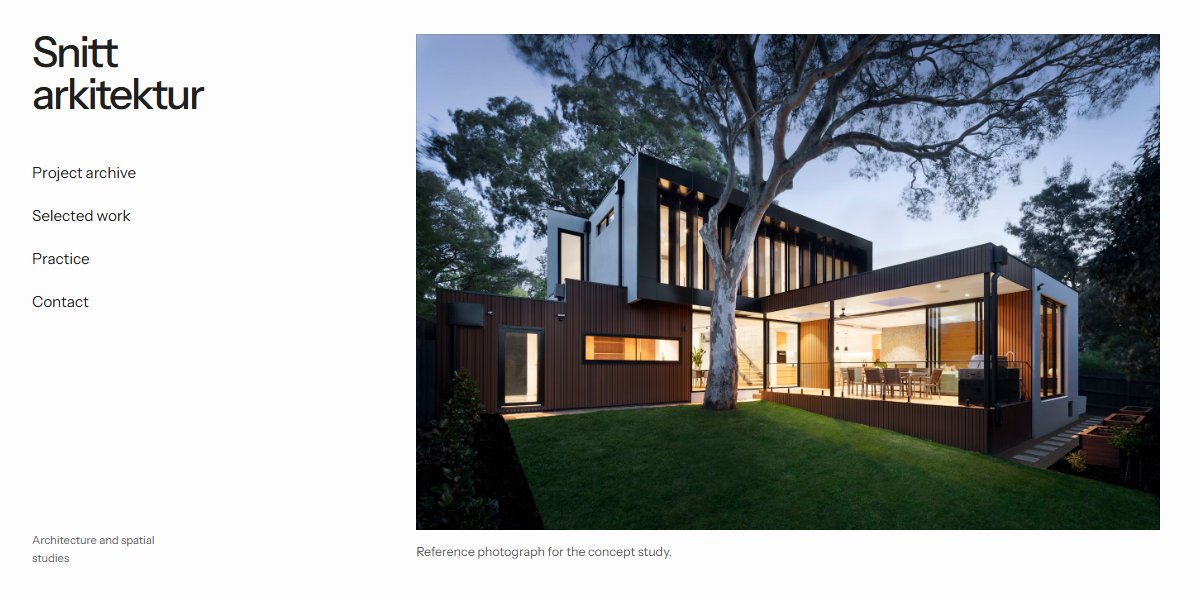
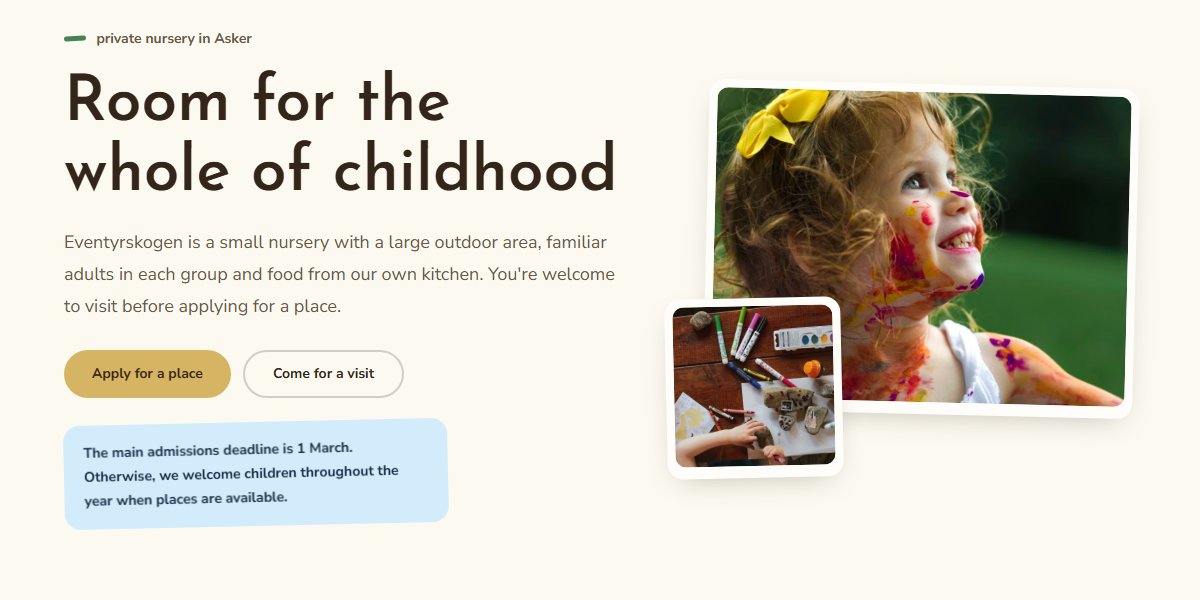
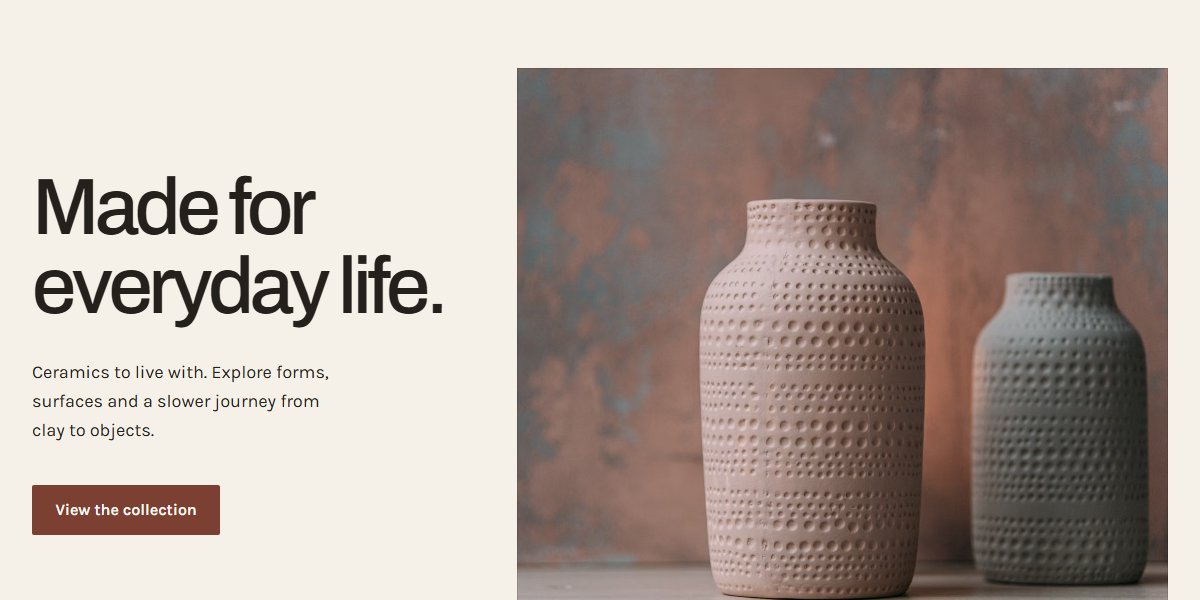
What your website could look like

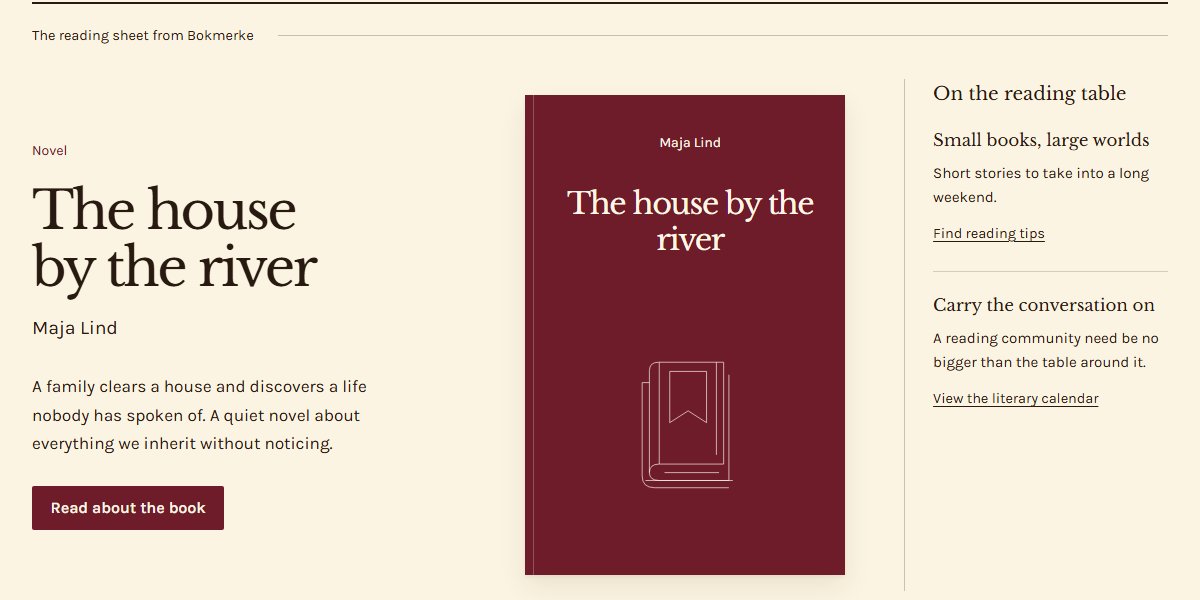
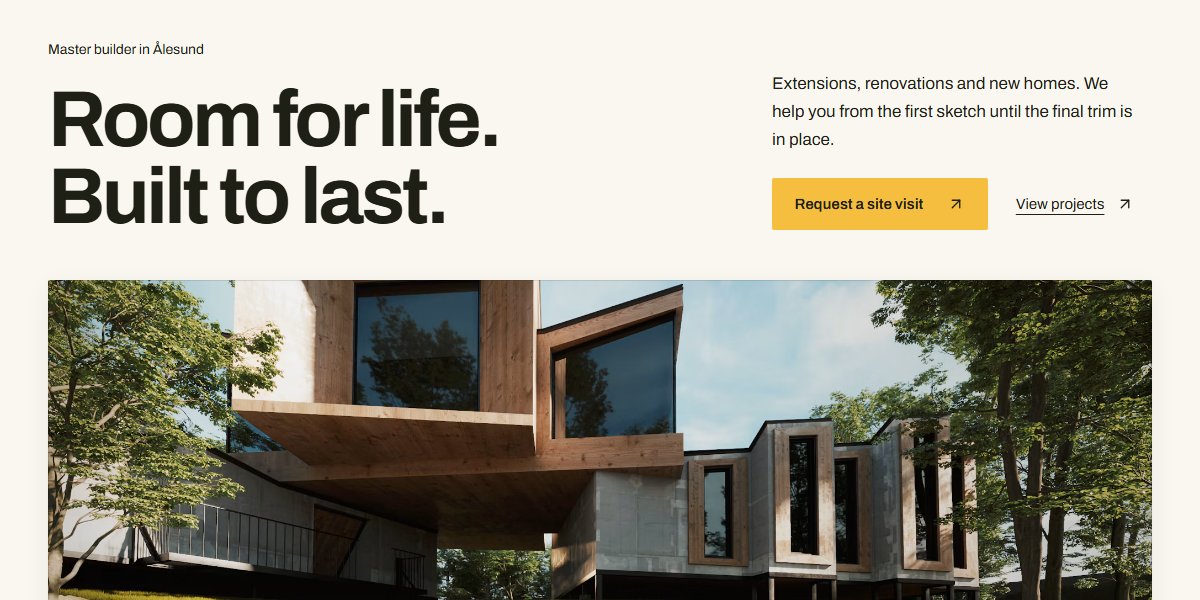
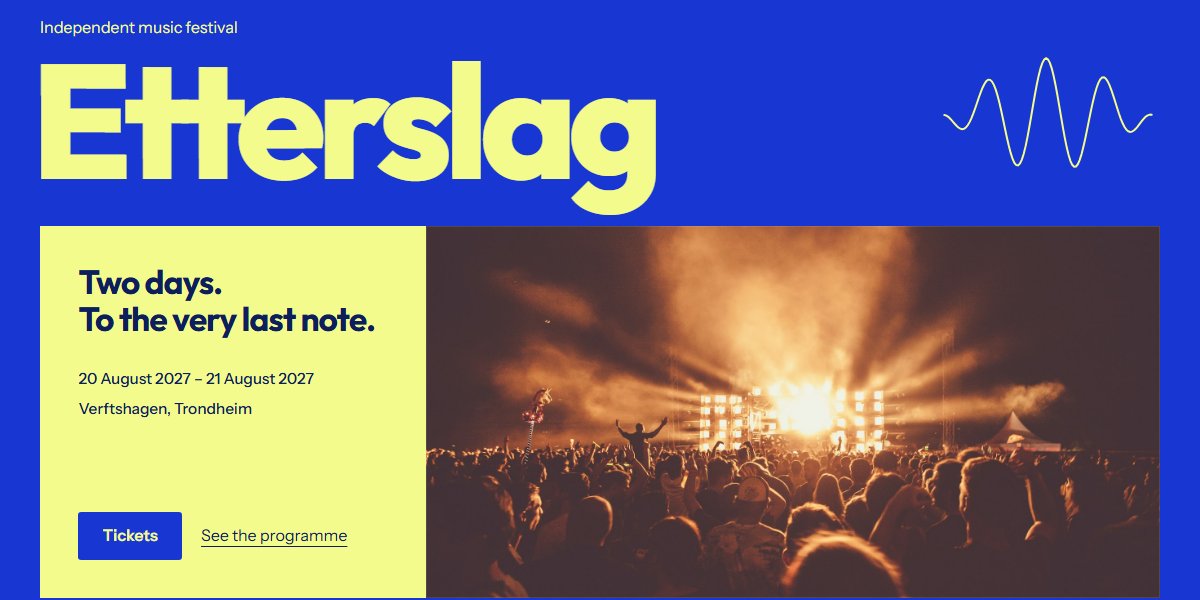
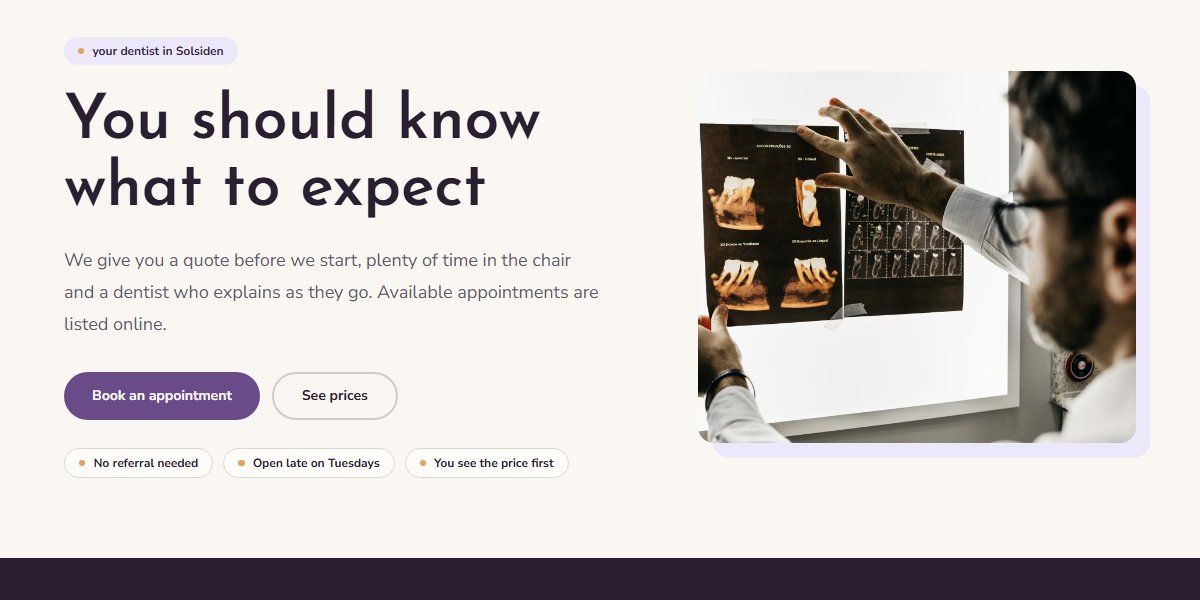
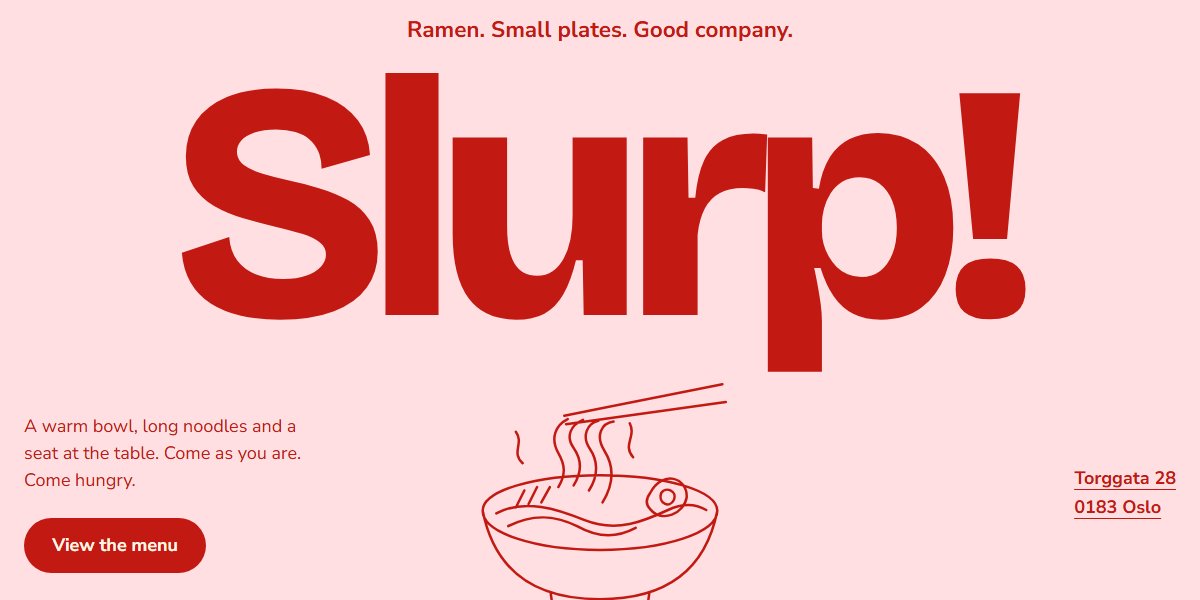
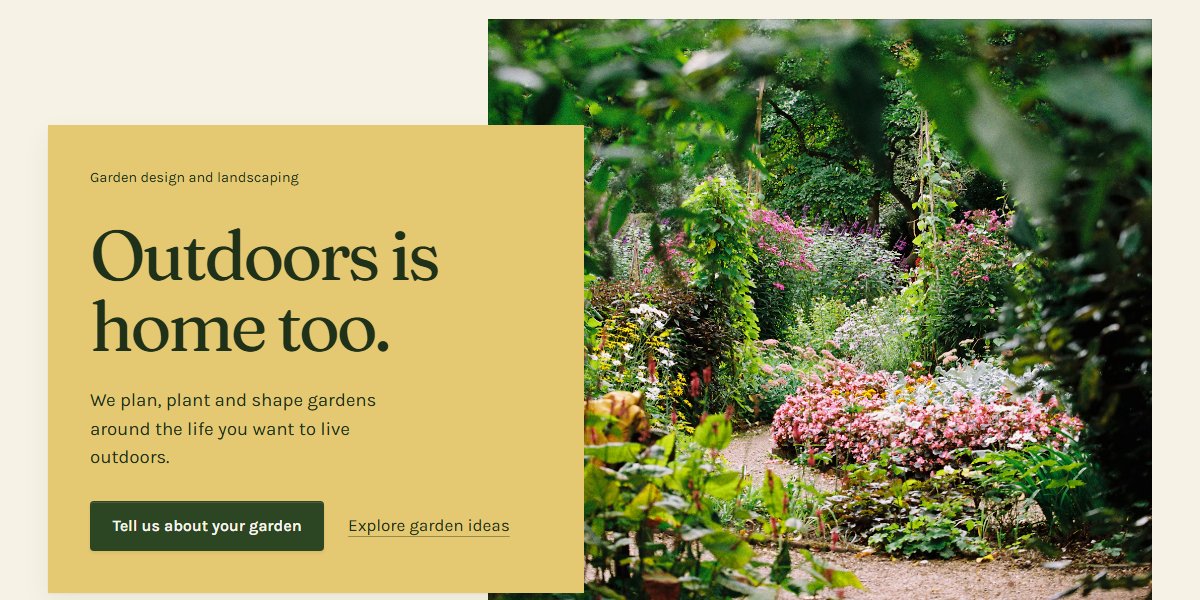
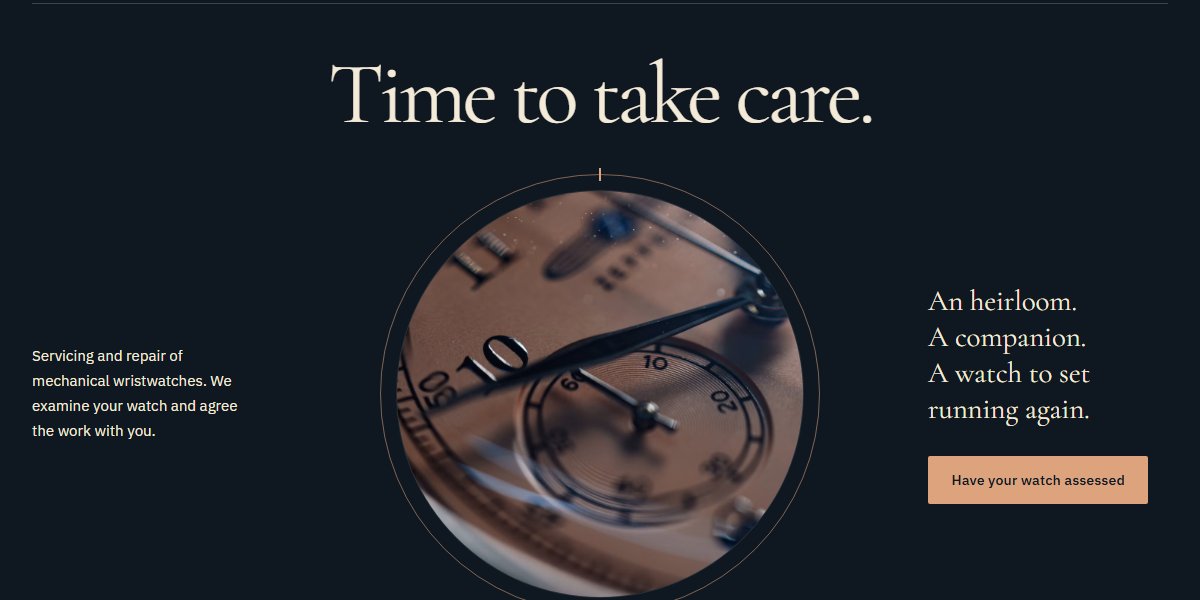
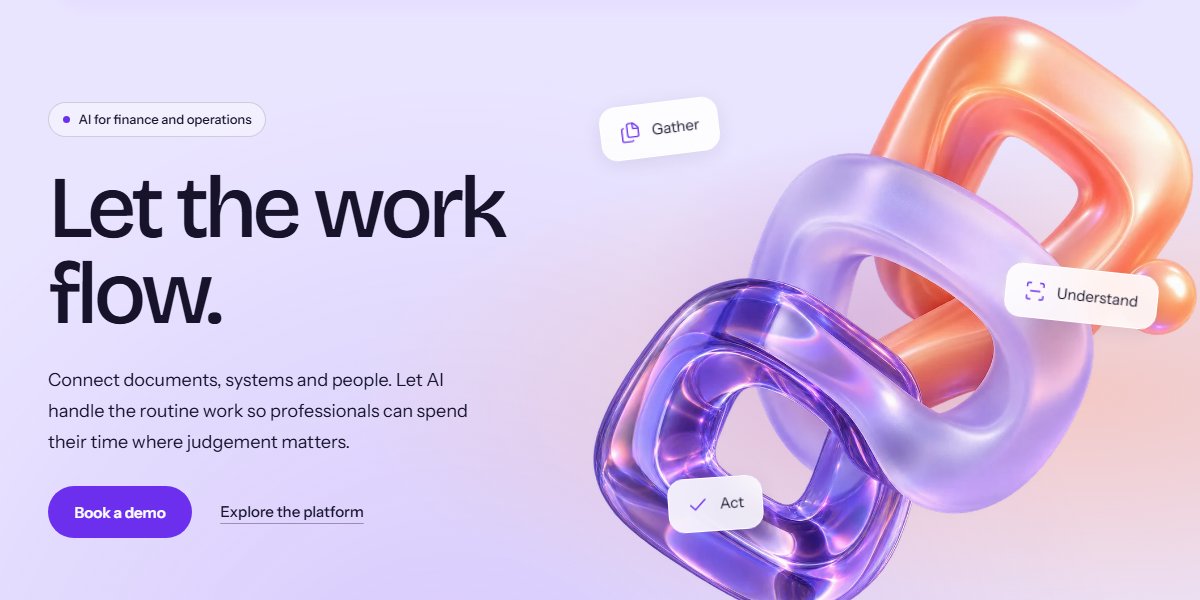
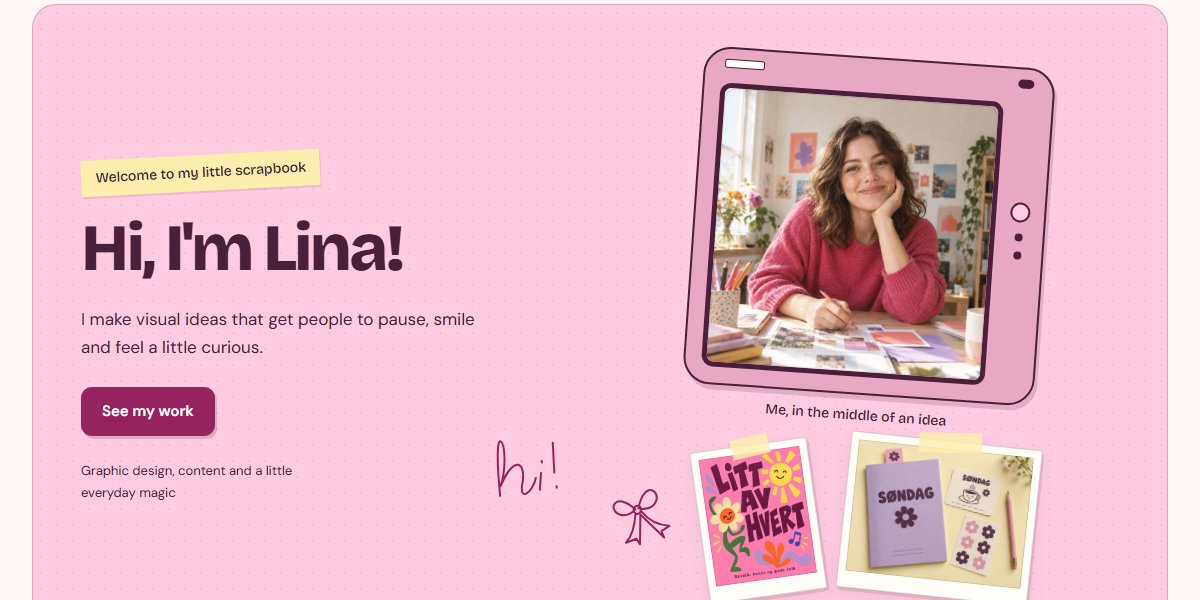
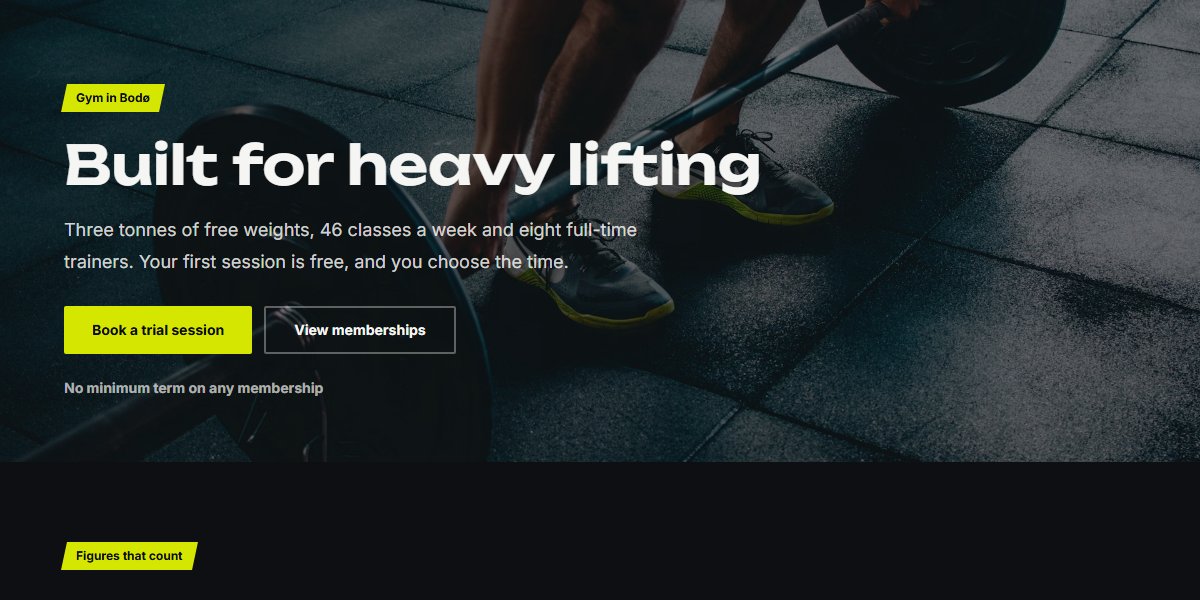
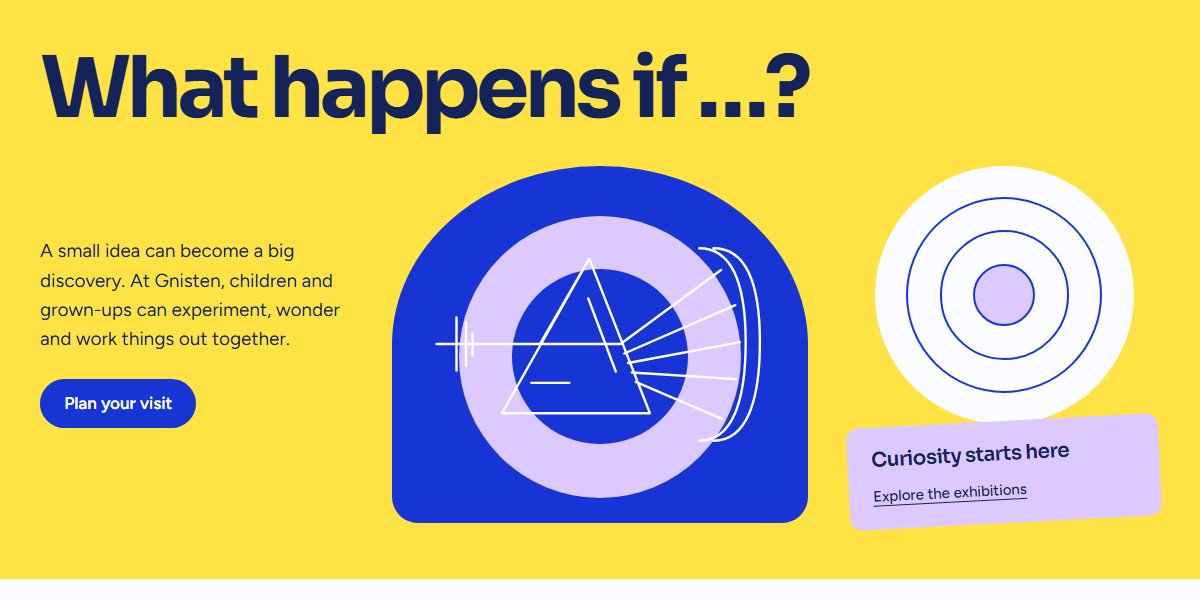
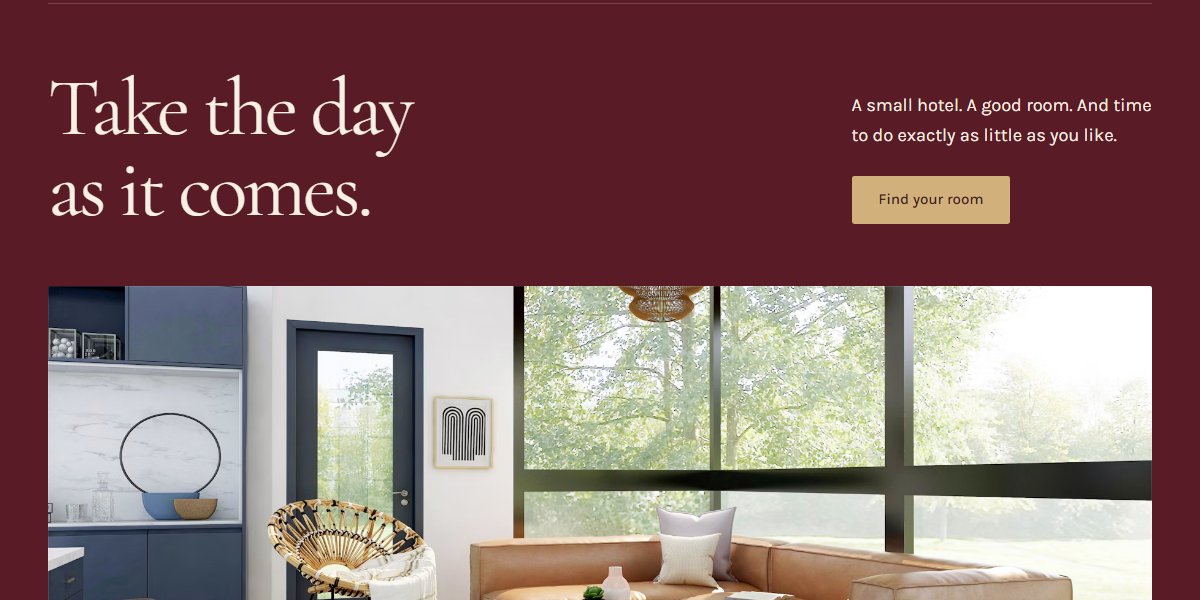
Explore themes, each with a personality of its own. Find a look you like, and you or the AI fill it with your business.

Explore selected themes

Showing 6 themes

Change your website in your own words.

Ask for a change, or edit it yourself. Nothing is visible until you publish.

Explore the website builder
  • Say what you want

    The assistant changes text, sections, the menu and forms itself.

  • Point at what you mean

    Click part of the page, and the AI knows where the change goes.

  • Undo with one click

    The AI's changes can be undone, and older versions brought back.

  • Show it before you publish

    Share a private preview with colleagues or your client.

From visit to customer

Enquiries don't get left behind. They become customers you can follow up, in the same place as your website.

  1. 1.Forms that fit the job

    Contact, quotes, bookings or newsletters. The AI creates the forms, and spam from bots is filtered out.

  2. 2.Everything in one inbox

    Enquiries from all your websites land in one place, and you get an email when something comes in.

  3. 3.The customer register fills itself

    Every enquiry becomes a contact. For a Norwegian company, enter its organisation number and the details are fetched from the Brønnøysund Register Centre.

  4. 4.Follow up until the job is won

    Deals on a board, tasks with a reminder every morning and email straight from Sitekit.

Get found
on Google.

Sitekit handles the technical side, so you can write for your customers.

  • Ready for search

    A sitemap, and a title and description for every page.

  • Understood by Google

    Opening hours and contact details in a format Google reads.

  • No dead links

    Change an address, and visitors are sent on automatically.

  • Analytics without cookies

    See visits, sources and enquiries, and connect Search Console.

Same website.
More languages.

Let the AI translate your website. Publish when you're ready.

  • 14 languages

    Including Nynorsk, Northern Sami, English and German.

  • All in one go

    Pages, posts, forms and menus are translated together.

  • Your edits stay

    What you correct yourself is never overwritten.

  • One address per language

    Publish each language when it's ready.

Safe from day one

The technical side is taken care of, so you can spend your time on customers.

  • Privacy

    Privacy is in place from the first time you publish.

    • The privacy policy is written for you
    • A consent banner only when it's needed
    • Submissions are deleted after 90 days
  • Hosting

    We take care of hosting, security and speed.

    • Fast pages, on mobile too
    • SSL is included
    • A free address or your own domain
  • Team

    Work together with your colleagues or clients.

    • Invite your colleagues
    • See who is working on what
    • Agencies get one workspace per client
  • Your content

    What you make is yours, and nothing disappears.

    • Version history on pages and posts
    • Text and images belong to you
    • Downgrading never deletes files

Works with the tools you use

Connect the services you know. The consent banner updates itself.

  • Google Search Console

    See which searches bring visits, and which pages Google shows most often.

  • Google Analytics

    Measure visits and enquiries in your own Analytics account, with consent.

  • Google Tag Manager

    Manage your own tags and pixels without touching the code, with consent.

  • Google Maps

    Show the way to you with a map on the contact page, so customers find you.

  • Calendly

    Let customers book a time straight from your website, without calling or emailing.

  • YouTube

    Show off your work with video, right on the pages customers read.

Choose the plan that suits you

Start on a free plan, and upgrade later if you need to.

Free

NOK 0/ month

Sites
1
Storage
1 GiB
AI credits
0
Start for free

Apps

  • Google Search Console
  • Google Analytics
  • Google Tag Manager
  • Custom code
  • Webhooks
  • Use your ChatGPT subscription (included)
  • Your own design (included)
  • Visual editing (included)
  • Forms and blog (included)
  • Hosting and SSL (included)
  • Your own domain (not included)
  • No Sitekit branding (not included)

Standard

Recommended

NOK 199/ month

Sites
5
Storage
10 GiB
AI credits
20
Choose Standard

Apps

  • Google Search Console
  • Google Analytics
  • Google Tag Manager
  • Custom code
  • Webhooks
  • Use your ChatGPT subscription (included)
  • Your own design (included)
  • Visual editing (included)
  • Forms and blog (included)
  • Hosting and SSL (included)
  • Your own domain (included)
  • No Sitekit branding (included)

Pro

NOK 499/ month

Sites
5
Storage
50 GiB
AI credits
50
Choose Pro

Apps

  • Google Search Console
  • Google Analytics
  • Google Tag Manager
  • Custom code
  • Webhooks
  • Use your ChatGPT subscription (included)
  • Your own design (included)
  • Visual editing (included)
  • Forms and blog (included)
  • Hosting and SSL (included)
  • Your own domain (included)
  • No Sitekit branding (included)

Frequently asked questions

Wondering about something else? Write to us at hei@sitekit.no, and a person will answer.

Getting started

Do I need to know how to code or design?

No. You describe your business in plain words, and the AI draws the design and builds the pages. Afterwards you click what you want to change, rewrite it and publish.

How does the AI generation work?

You write a few sentences about what your business does and who your customers are. You can also attach files, such as a brochure, a price list or photos, up to 100 files and 100 MB in total. The AI then plans the pages, writes the content and creates the forms, on a ready-made theme or on a design it draws itself. Afterwards you have an assistant in the app: ask for changes in plain words and they are made, and changes to pages and posts can be undone with one click.

Do I get a design no one else has?

Yes. The AI creates a theme of your own, with colours, fonts and sections that suit your business. You can ask for changes and adjust the design yourself afterwards. You can also start from one of the ready-made themes.

I already have a website. Can I move it to Sitekit?

Yes. Paste in the address and confirm that you own the website, and Sitekit collects text, contact details and images from up to 20 pages and 30 images. The result is a new draft with a new design. We don't copy the old look. The old addresses forward to the new pages, so links and Google results keep working.

Features

Where do form submissions go?

To the inbox in Sitekit, and you get an email. Every submission is checked automatically, so you know that email addresses, phone numbers and required fields are filled in correctly. Enquiries from contact, quote and order forms also become contacts in the customer register, where you follow them up with tasks and deals.

Can the website be in more than one language?

Yes, up to 14 languages on every plan, including Bokmål, Nynorsk and Northern Sami. The AI translates the whole website in one go: pages, posts, forms, the menu and system pages. On the free plan you use your own AI connection for this. A language is invisible to visitors until you publish it, and if you change the original afterwards, the translation is marked as out of date. Each language gets its own address.

Will the website be found on Google?

Sitekit makes it easy for Google to find and understand your pages, with automatic technical SEO and fast pages. You decide the title and description yourself. Your content and the competition affect your ranking; no website builder can guarantee a particular position.

Can I use my own domain?

Yes, with Standard or Pro. Connect the domain you already have, and Sitekit shows you exactly which DNS records to add, and sets up the SSL certificate automatically. Every plan also has an address of its own under sitekit-sites.no.

Can several people work on the website?

Yes. Invite your colleagues to the workspace. The free plan has room for 3 members, Standard for 10 and Pro for 25. You see who is in each document, and owners and admins manage payment and connections.

Pricing and AI

What does Sitekit cost?

Sitekit has three plans. The free plan costs nothing. With it you build one website, with AI help included and the option of AI work through your own connection, on an address under sitekit-sites.no, and the bottom of the website says it was built with Sitekit. Standard costs NOK 199 a month. The AI then writes the content, translates and makes the changes, and you get up to 5 websites, your own domain and 20 AI credits a month, without Sitekit branding. Pro costs NOK 499 a month and gives you everything in Standard, with more working capacity and 50 AI credits a month. The paid plans are billed monthly, with no commitment. There is no set-up fee or hourly rate.

How much AI can I use?

Standard gives you 20 AI credits a month, and Pro gives you 50. The credits are topped up every paid period, and one credit equals one dollar of cost at the AI provider. Each job uses what it actually costs, even when it fails or is stopped. Your balance and an overview of what has used credits this period are in the app. If you run out of credits, the work stops and keeps its draft until you upgrade or a new period starts. Short AI help is included on every plan. The free plan has no Sitekit credits, but can use your own AI connection for work. You choose the model in the app; Sitekit never switches how you pay on its own. Every plan has its own limit on working capacity.

Privacy and ownership

What about privacy and GDPR?

The technical side is in place from the start. Your website gets a privacy policy that is written automatically in all your languages, and it is updated when you add forms or embedded content. Visitors only see a consent banner when your website needs one, content from other services only loads after consent, and submissions nobody follows up are deleted after 90 days. The analytics use neither cookies nor third-party scripts. You decide the purposes and read through the policy. Sitekit takes care of the rest.

Who owns my content?

Text, images and form submissions belong to you. We never sell personal data on.

Can I get help in English?

Yes. Write to hei@sitekit.no, and a person will help you in English or Norwegian.

Your website is one description away

Write a few sentences about your business, and you have somewhere to start.