
 Norsk
Website for beauty salons
Help customers choose a treatment before they book. Describe what the salon offers, and the AI makes a draft with a treatment menu, prices, durations and a clear path to booking.
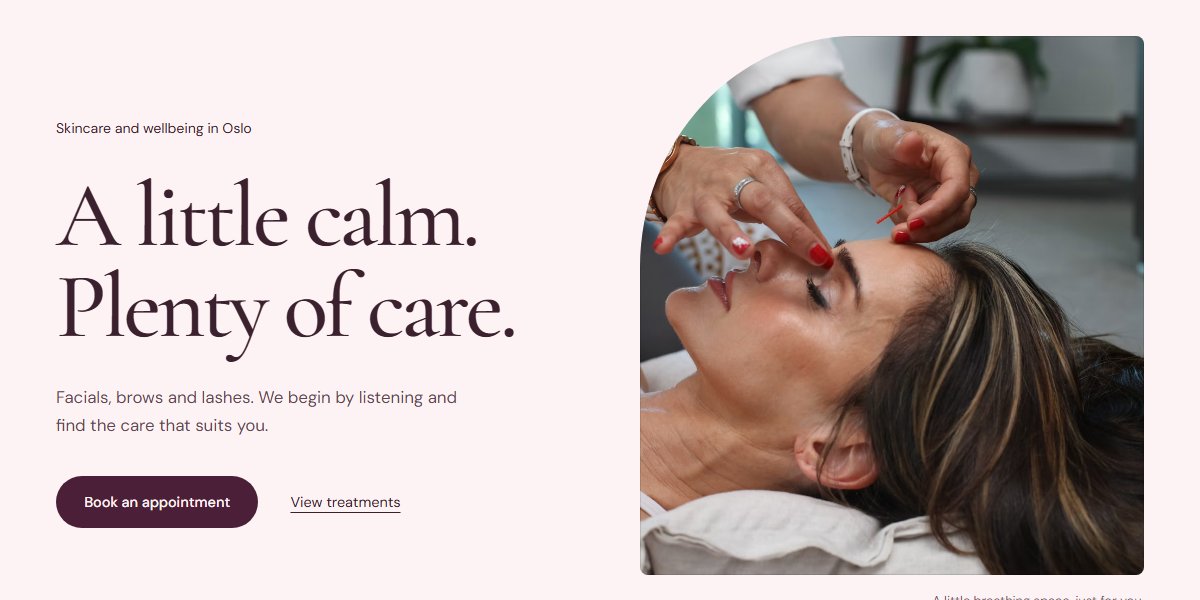
Themes built for beauty salons
Compare a calm home page in powder pink, an open blue version with a wide photo and a cosy look in moss green. The themes use skincare as an example; adapt the treatment menu to what your salon offers.

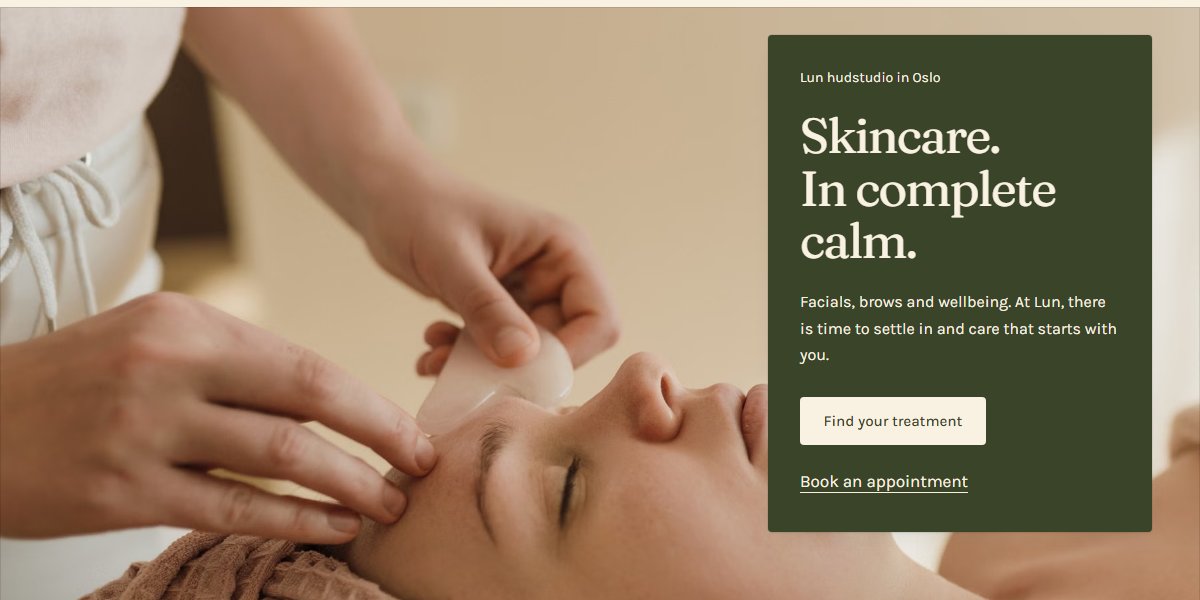
The pages beauty salons need
The treatment menu helps customers choose, while the price list shows both cost and time. Make subpages for the treatments that need more explanation. The booking page can link to the calendar you use today, or take requests that you confirm.
- Treatments
- Skincare
- Lashes and brows
- Prices
- Gallery
- About the salon
- Book an appointment
The suggestion has 7 pages. Add and remove pages as you like.
What makes the difference for beauty salons
The advice below is for this industry, not websites in general. It applies just as much whether you build the site here or somewhere else entirely.
Duration belongs with price
'Full set of lashes, 120 minutes, NOK 1,450' answers two questions in one line, and the customer can plan their day without calling to ask.
Help customers choose their first treatment
Explain the difference between the treatments in words customers know. Say what the appointment includes, how long it lasts and who they will see. Give them a way to ask the salon if they are unsure which appointment to choose.
Gather the practical details around the appointment
Say when customers should arrive, how they change a booking and where they find the salon. Let your therapists write and check any preparation and aftercare advice for each service. The advice must fit the treatments you offer.
Questions beauty salons ask
The answers are the ones we would give on the phone.
How do we keep the price list useful?
Update it at the same time as the prices in the salon and the booking system. Show price and duration together, and separate first treatments, infills and removal when they are different services. Explain what any extra charges cover.
Can we keep the booking system we already use?
Yes. Let the booking buttons link to your calendar. If you would rather take requests through a form, say that the salon confirms the appointment. Also say when you take walk-ins, if that's part of what you offer.
Can I show photos of customers' hands and faces?
Agree on how photos will be used with the customer in advance, and explain where the photo will appear. Your own photos of the rooms and therapists are useful too: they let a new customer see where they're going. Choose photos that give a realistic impression of the salon and your work.
Other industries
Neighbouring industries have pages of their own, with their own themes and their own advice.
Website for hair salons
Describe the salon, and the AI writes the price list, the services and the appointment request. Photos of your own work get the space they need, because that's what people decide by.
See the industry pageWebsite for skin clinics
Write a little about the clinic, and the treatment pages and price list come out finished. The appointment request comes with the consent it needs.
See the industry pageWebsite for yoga studios
Describe the studio, and the AI writes the timetable, the prices and the course pages, and sets up sign-up. Four themes are designed for yoga, from the clean to the warm.
See the industry page
Further reading
Your website is one description away
Write a few sentences about your business, and you have somewhere to start.